







About the Program Practical Theology and Ministry (MA)
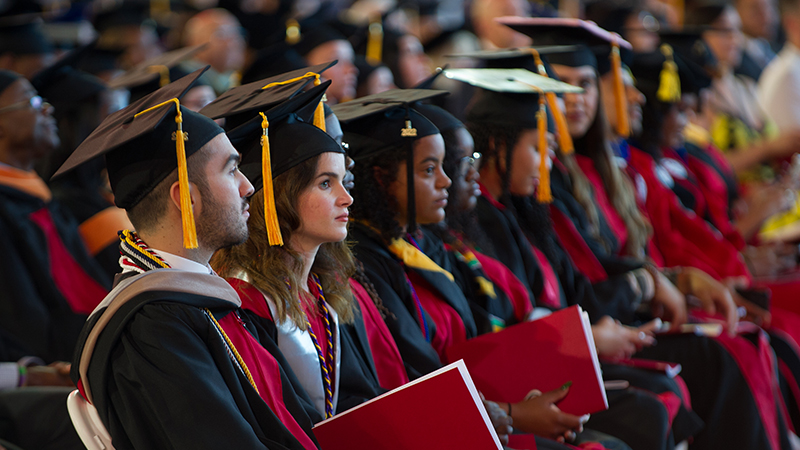
The MA in Practical Theology and Ministry is a professional theology degree for those graduate students who have been called to a particular lay ecclesial ministry in the Roman Catholic Church or preparing for ministerial service within an Orthodox or Protestant setting. If you are called to serve as directors of RCIA and religious education programs, or being a pastoral counselor or pastoral care associate, or being a chaplain in hospitals or in the military, or minister to youth groups, immigrant workers or as an itinerant preachers, this is the place for you! Our program underscores the importance of the application of theology to everyday life and ministry. Spiritual formation, coursework, and research will help you develop practical solutions to the contemporary ministry challenges of an ever growing and diverse People of God.
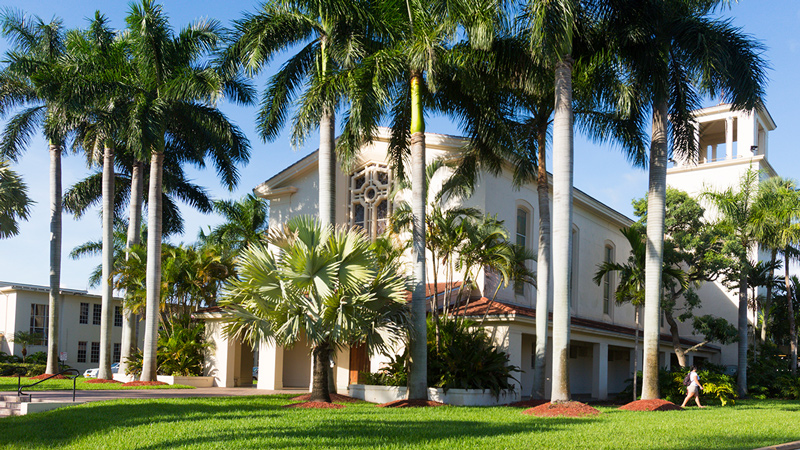
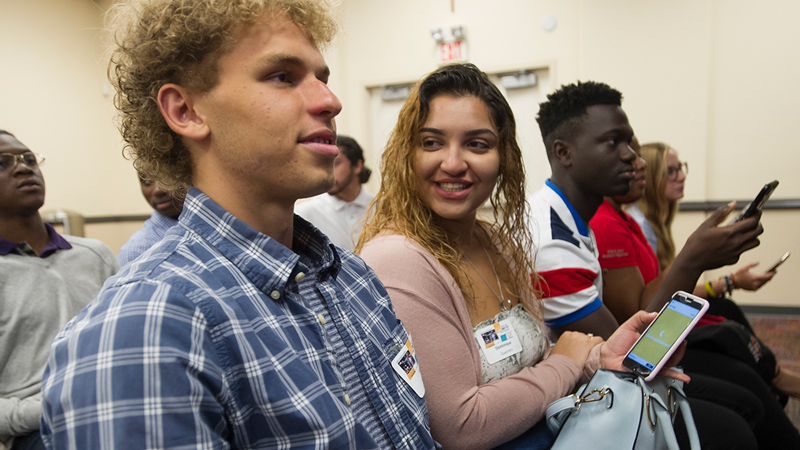
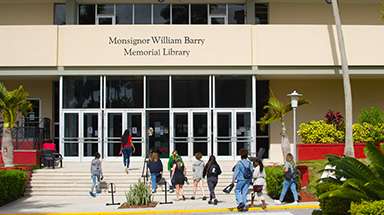
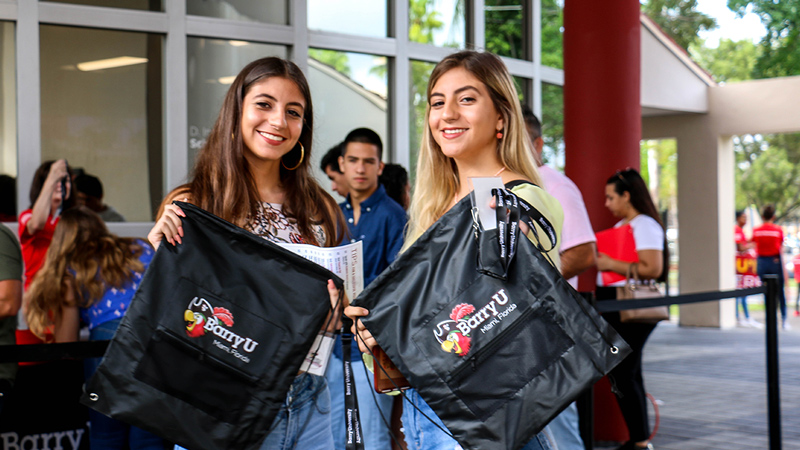
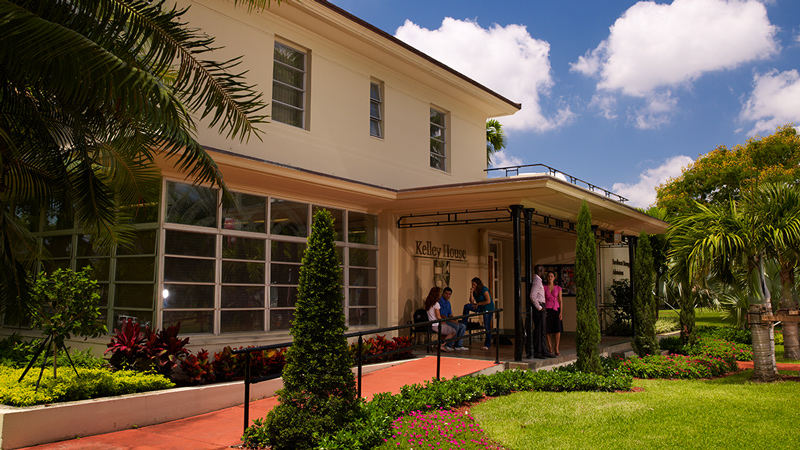
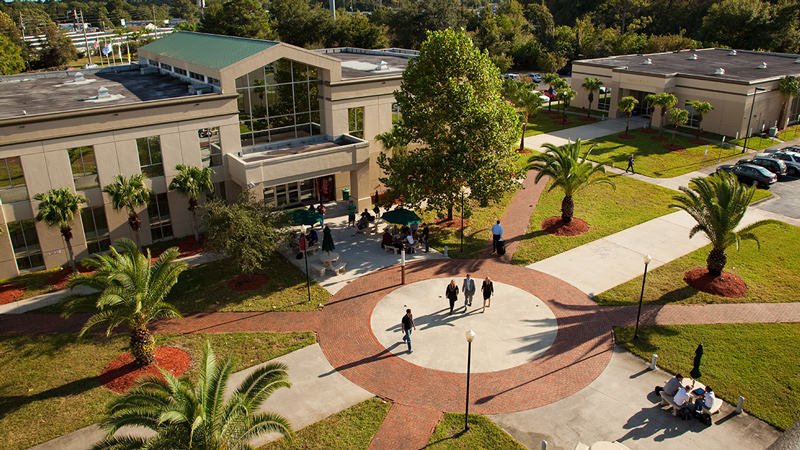
Barry's MA in Practical Theology and Ministry features an excellent environment that reflects the reality of the 21st century. First, our theological foundations and faith commitment are rooted in a Catholic international university rooted in the Adrian Dominican tradition, a tradition dedicated to seeking truth, valuing diversity, and promoting peace. Second, being located in Miami Shores, a village twenty minutes from vibrant Miami and Fort Lauderdale, makes it uniquely situated in the crossroads of the Americas. In fact, our students represent a diverse community of academic vocations and lay and ordained ministries with various cultural backgrounds and faith traditions.
Our faculty is energized by the opportunity to meet and work with people of diverse cultures and faiths.
In Barry’s Master of Arts in Practical Theology and Ministry, you have the opportunity to take a concentration in Hispanic/Latino Theology and Ministry. You can also focus on an area of interest, including Biblical Theology, Sacramental/Liturgical Theology, Systematic Theology, Moral Theology, Institutional and Military Ministry, or Health Care Ethics.
With us you will find a unique, multicultural learning environment, strong faculty support, and convenient study options. Those for whom the MA in Practical Theology and Ministry is a terminal degree will enjoy the joint benefits of theological education and ministerial formation in a multicultural environment, an invaluable combination for those committed to a Christian community of faith in the 21st century. You will also have the opportunity to interact with various segments of the community through your formation program. Graduates who anticipate the possibility of doctoral studies in a DMin or PhD program will find themselves strategically poised to move toward either alternative with solid theological and ministerial competence.
Our full-time faculty members provide the one-to-one attention and professional expertise that foster our students’ academic, personal, and ministerial growth. Also, tuition assistance and a limited number of assistantships are available for students based on need and merit.